Use an eSIM and Your SIM at the Same Time — and Keep Your Number
 3 min read
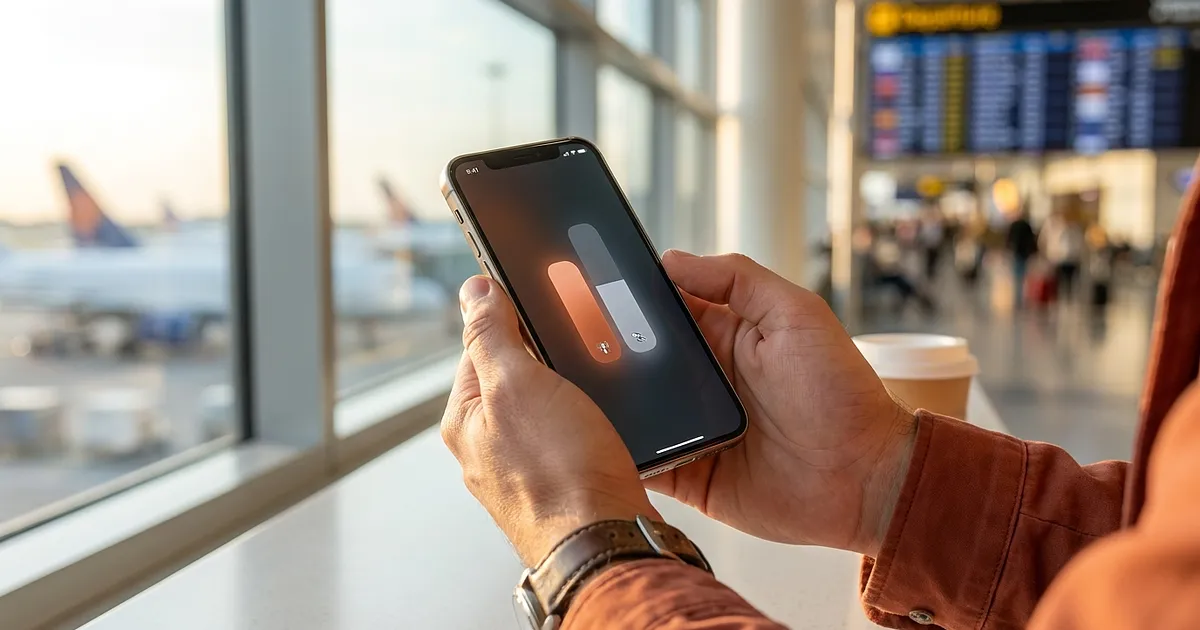
You want cheap data abroad from a travel eSIM, but the bank code, the call from your landlord and the text from the clinic must still reach your home number. That is what dual SIM is for: your home line stays active for calls and texts, the eSIM carries data only.
The three settings that matter
On iPhone, Apple puts the controls under Settings › Cellular (Apple: Use Dual SIM on iPhone). Under "Cellular Data" pick the travel eSIM; under "Default Voice Line" pick your home number. Leave "Allow Cellular Data Switching" off, or your home plan reaches for roaming data on its own.
On a Pixel the path runs through Settings › Network & internet › SIMs, where "Calls", "SMS" and "Mobile data" are assigned separately (Pixel Help). Samsung, Xiaomi and other skins name the menus differently; the logic is the same: one line for data, one for calls.
Third: turn data roaming off on the home line only. Leave it on for the travel eSIM — many run technically as roaming profiles.
Dual SIM does not always mean "both lines active"
This is the real trap. On Pixel devices, Google says both lines are genuinely active in parallel only from the Pixel 8a onwards; on older models an incoming call on the second SIM goes to voicemail while you are on a call on the first (Pixel Help). Comparable limits exist by model and region, and some carriers block eSIM on prepaid or carrier-locked handsets. Check this at home, not at the gate.
If you have no data package yet, eSIM FOX offers a globally usable travel eSIM you can install before you fly.
Once you know where you are going, compare prices for that destination — for example our eSIM provider comparison for Thailand.

Affiliate link. Buying through it earns us a commission; the price stays the same for you.
All products from this post
The ones we named above are marked; the rest are alternatives in the same category.
Affiliate notice: As an Amazon Associate, we earn from qualifying purchases. Product prices and availability are subject to change.
Frequently Asked Questions
Do I keep my own number when I use a travel eSIM?
Yes. The travel eSIM is a second line with its own number that you never use for calls. As long as your home line stays active and is set as the default voice line, your phone keeps ringing on the number you already have.
Will I still be charged for roaming?
Calls and texts still run over your home plan and are billed under its roaming terms, often considerably more outside your home region. Data goes to the eSIM instead. The decisive step is keeping data roaming off on the home line.
Does this work on every phone?
No. The handset must support eSIM and must not be carrier-locked. Whether both lines can be active at once also depends on the model — check your manufacturer's specification.
*Last updated: 11 August 2026*