Lost Your eSIM QR Code? How to Reactivate eSIM Profiles
 4 min read
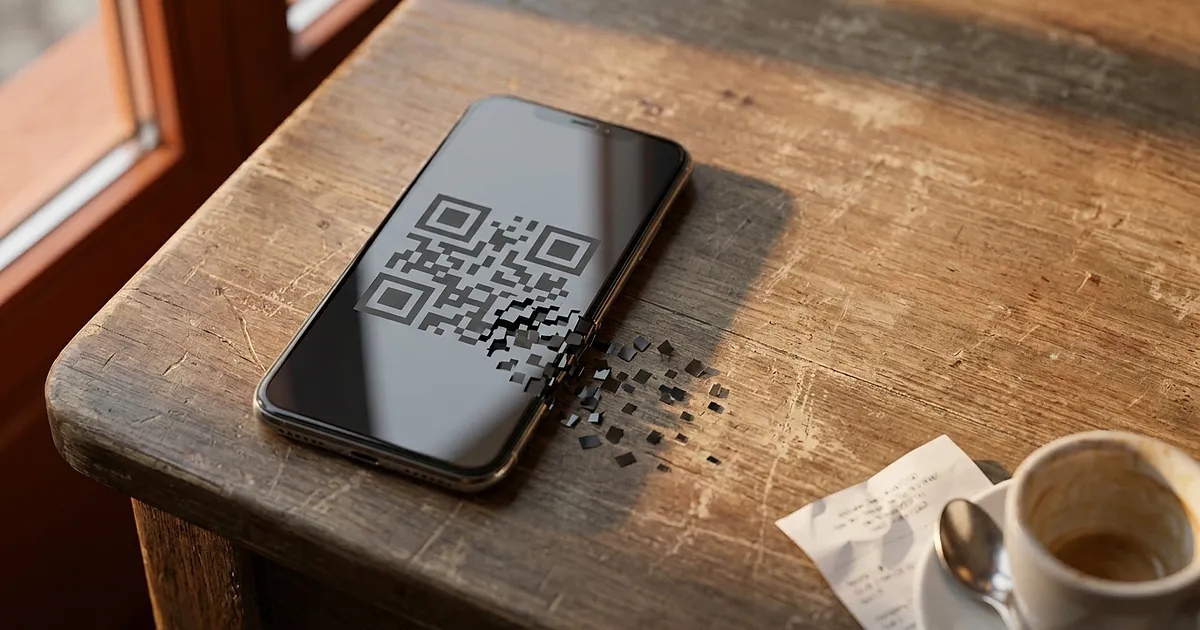
One fact decides everything here: an eSIM QR code works exactly once. That's why how to reactivate eSIM profiles comes down to a single question: has the profile ever been installed on a device, or not?
How to reactivate eSIM: search before you spend
The order email is the first place worth checking, spam folder and trash included. That's where it hides surprisingly often. Then your provider's app: most of them keep the QR code and the manual activation details sitting in your account. Holafly describes exactly that order, so email, then WhatsApp, then the app, and only after that their support team.
Two minutes. No data needed.
Case 1: the profile was never installed
Nothing is broken. The code is just somewhere else. Providers usually resend it on request, and plenty of them let you pull it up again straight from your account. If your plan supports it, setup often works as an eSIM without a QR code these days, handled entirely inside the app. The steps for that are in our guide to activating an eSIM on iPhone.
Case 2: reactivate eSIM without a new code
A second scan won't get you anywhere. If you see the message "This code is no longer valid", then according to Airalo the code has already been used up. If something else is going on, our guide to eSIM not working abroad covers the other usual suspects.
Still, hold off on rebuying. Often you can reactivate the eSIM straight from the app before you ever contact support. Ubigi allows up to five reinstalls through its own app, no new QR code involved. And Holafly gives travellers three free reinstalls if the profile gets deleted mid-trip (as of September 2026). Honestly, asking first costs nothing.
Stuck abroad with no signal
A replacement code rarely lands in seconds: if the request has to go through support, several hours isn't unusual. Bridge the gap with whatever you can reach:
hotel, café or airport WiFi, usually enough to pull down the email carrying the new code
a second eSIM you installed before the trip
a local prepaid SIM, if your phone still has a physical slot
a hotspot from whoever you're travelling with
Only the second one works instantly, and that's the option most people don't have when it matters. If you want the basics on how any of this actually works, here's how eSIM roaming works abroad.
Prevention takes 30 seconds
Screenshot the QR code, forward the activation email to a second inbox or a cloud note, done. And never delete an active eSIM profile just to "test" a flaky connection. That's the one move guaranteed to cost you a new code.
Still choosing a provider? Our eSIM comparison for the USA flags which providers make it easiest to reactivate your eSIM if things go wrong. Sounds like a footnote. It isn't.
Frequently Asked Questions
Can I reactivate my eSIM if the QR code was already used?
No, a QR code that's been scanned once won't work a second time. It still works only if the profile was never installed anywhere. Once installation has succeeded a single time, the code is spent, even if you delete the eSIM from that same phone afterwards.
What if I deleted the activation email?
Trash and spam folders come first, since the email turns up there more often than you'd expect. After that, check your account or the provider's app, because many store the code permanently. Otherwise, contact support with your order number.
How long does a replacement code take?
That depends on the provider. When a reinstall runs through their own app, it's instant. When support has to issue a new profile, several hours is realistic. Plan a stopgap connection either way.
Do I have to pay for the plan again?
Not necessarily. Holafly grants three free reinstalls, and Ubigi up to five through its app (as of September 2026). Other providers charge for a replacement instead. A quick message to support usually settles it faster than placing a second order.