Phone stolen, what to do? Your eSIM emergency plan
 6 min read
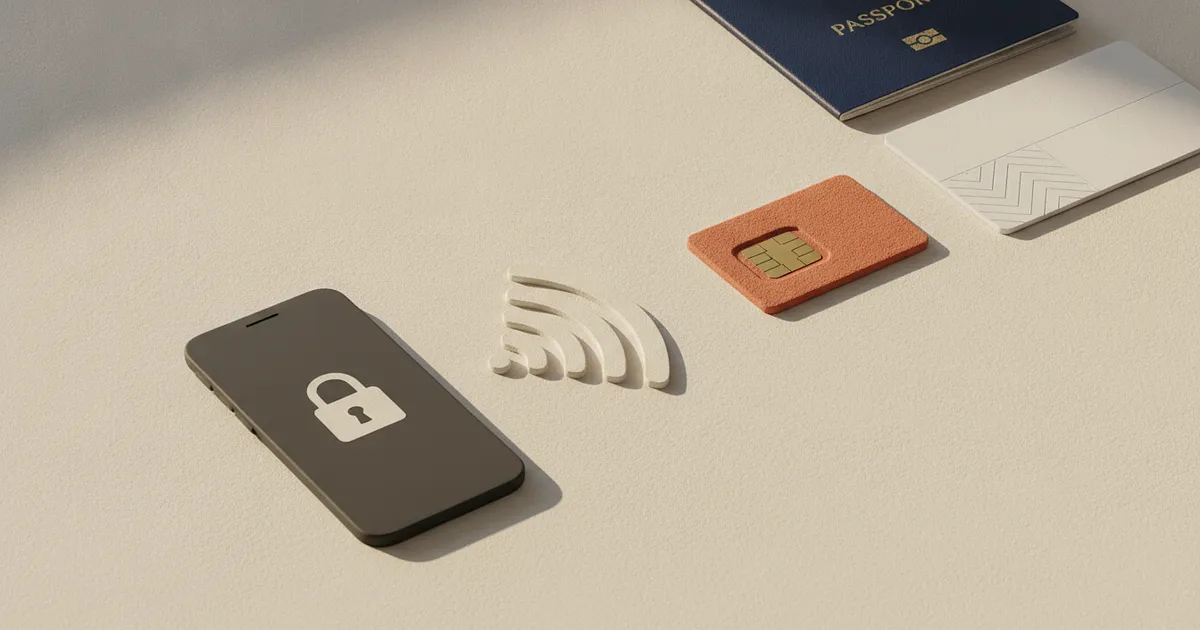
Phone stolen, what to do next? If you're abroad, a calm sequence matters more than frantic tapping: lock the device, secure your main account, block the line for your main number, and report any extra travel eSIM separately. Those actions protect different things. Remote erasure comes later because it can end further tracking.
Phone stolen: What to do in the first 15 minutes
The time blocks show priority. They don't promise that every support case will be resolved within 15 minutes.
Minutes 0 to 3: Mark the device as lost. On a trusted device and secure Wi-Fi, open Apple's Find My or Google's Find Hub. Apple recommends marking a missing iPhone as lost first. On Android, Mark as lost locks the device. If the map shows an unfamiliar place, don't go there yourself. The lock-screen message should contain only an alternative contact method, never a password or the missing main number.
Minutes 3 to 7: Secure email and the platform account. The stolen phone may also have been your second factor. Start with the email account used to reset other logins, then inspect Apple or Google for unfamiliar sessions. Google explains how to review security events and signed-in devices. If anything looks wrong, change the central password and any reused passwords for important services.
Minutes 7 to 10: Block the main line. Your mobile carrier has to suspend the SIM or eSIM line linked to your regular number. The device lock doesn't do that. Use only the carrier's official app, account portal, or contact page. Ask which contract details are required for a replacement eSIM.
Minutes 10 to 15: Deal with the travel eSIM and follow-on damage. Note the order number, destination, and package in the provider account. Ask support to deactivate the profile on the lost device and explain the options for a replacement phone. Check your wallet, banking, and key travel apps too. After theft, a local police report plus the IMEI or serial number may help with insurance and documentation.
Don't share one-time codes. Messages from supposed finders or support agents after a theft may be phishing attempts.
Block an eSIM: Main number or travel package?
The phrase “block an eSIM” can describe two different jobs. What matters is whether the profile carries your regular number or only provides travel data.
| What was on the phone? | Who handles it? | What to request | What this doesn't do |
|---|---|---|---|
| eSIM for your main number | Your mobile carrier | Suspend the line and discuss a replacement profile | It doesn't remotely erase the phone |
| Data-only travel eSIM | The travel package provider | Review, deactivate, or replace its profile | It doesn't block your main number |
A main-number eSIM carries calls, texts, and often access to SMS codes. A data-only travel eSIM is usually a separate package without that number. If that split is new to you, the beginner's guide explains how a travel eSIM works abroad.
Deleting a profile locally doesn't cancel the plan. Apple directs users to the carrier for cancellation and a replacement eSIM. If you later need a fresh profile, first read how to safely delete and reinstall an eSIM. That keeps this emergency plan focused on containment rather than setup details.
What to ask the travel eSIM provider
There's no universal promise covering transfer, replacement, unused data, or refunds. Package rules, activation status, and the device all matter. A short message with direct questions is usually more useful than a long account of the theft:
- Please deactivate the active profile on my lost device.
- Can the remaining data move to a replacement profile?
- Do I need a new QR code or another activation method?
- Which order and device details do you need to verify me?
- If replacement isn't possible, is unused data eligible for a refund or goodwill credit?
If the original code is missing, the separate guide explains how to recover a lost eSIM QR code. Don't immediately buy another package while the provider may still be able to disable or replace the old one.
Device lock, line block, and remote erase
These aren't synonyms. A device lock protects apps and local data. A line block stops the main number through the carrier. Remote erasure removes local data and can't be undone.
Google says an Android device no longer appears in Find Hub after a factory reset. Don't rush to remove a stolen iPhone from Find My either. Tracking still has value while safe recovery remains realistic. If sensitive data faces an immediate threat or recovery is no longer plausible, erasure may matter more.
Losing the old phone may also prevent the normal transfer process. Google says eSIM activation varies by carrier. If the replacement phone uses a different operating system, check whether direct eSIM transfer between iPhone and Android is available for your devices and carrier.
Phone lost abroad: Getting connected again
Use a trusted replacement device or a private browser over secure Wi-Fi. A public computer is a poor place to change passwords. If SMS access is gone, previously saved Google backup codes may help. Without them, you'll need the recovery route offered by each account.
New connectivity comes after the device lock, account protection, and line suspension. Ask the main carrier about restoring the number and the travel eSIM provider about its data package. Being abroad, time zones, and identity checks can slow things down. That's why Abroadmode treats the device, main line, and travel eSIM as separate jobs instead of promising one catch-all “SIM block.”
Frequently Asked Questions
Can an eSIM be blocked?
Yes. Your mobile carrier blocks the line for your main number. Report a data-only travel eSIM separately to its provider because suspending the main line doesn't automatically disable that package.
Do I lose my travel eSIM data package?
Not necessarily. A replacement profile, remaining data, or a refund depends on the provider, package, and activation status. Support has to review the package you bought.
Should I erase the phone immediately?
Mark it as lost and secure your accounts first. Remote erasure can't be undone and may end further tracking. Weigh the data risk against the realistic chance of safe recovery.
What if I can't receive SMS codes?
Use saved backup codes or another recovery method you set up earlier. Ask the carrier to block the main line, then find out how to reactivate the number on a replacement device.
Sources
- Apple recommends marking a missing iPhone as lost first support.apple.com
- Mark as lost locks the device support.google.com
- review security events and signed-in devices support.google.com
- Apple directs users to the carrier for cancellation and a replacement eSIM support.apple.com
- Google says eSIM activation varies by carrier support.google.com
- Google backup codes support.google.com