Activate eSIM on Samsung and Pixel: the Android steps, side by side
 4 min read
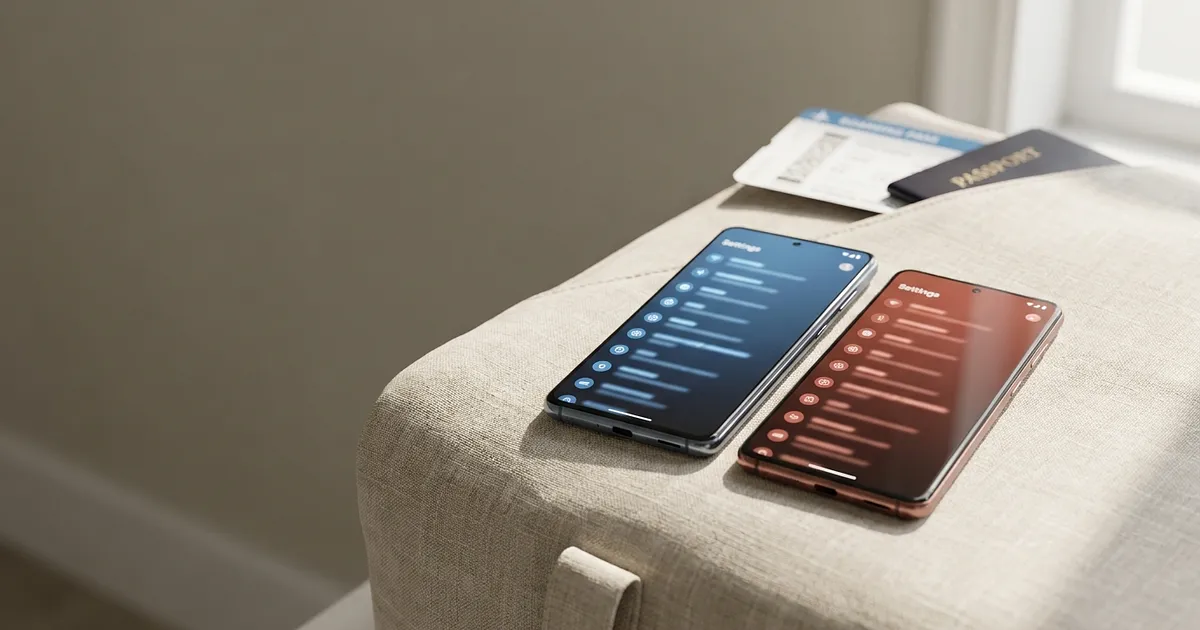
A Galaxy and a Pixel sit next to each other on the table. Both run Android, and the eSIM still hides in two completely different places, honestly a bit daft when you're already at the gate. New to eSIMs? Here's the honest beginner's guide. To activate eSIM on Samsung you go through the SIM manager, a Pixel keeps it under "Network & internet". Either way, just Wi-Fi and the code from your provider, say Saily or Airalo.
Activate eSIM on Samsung: step by step via the SIM manager
The eSIM sits deeper in the menu on a Galaxy than expected, One UI runs it through the SIM manager, as Samsung itself confirms (as of September 2026):
- Wi-Fi first, or the profile won't download.
- Settings, then Connections.
- SIM manager.
- Add eSIM.
- Scan the QR code your provider issued.
- Last: pick which number takes calls, which carries data.
Want to keep both an eSIM and a physical SIM at once? That's point 6, your Samsung eSIM is now active. Galaxy models that support this are listed by Samsung, one catch: eSIM may still be missing depending on where the handset was sold.
Google Pixel and stock Android
Set up an eSIM on a Google Pixel instead, only the wording changes, the SIM manager here is just "SIMs". Google describes the path this way:
- Settings, then Network & internet
- Open SIMs
- Add SIM, then Set up an eSIM
- Scan the QR code, follow the on-screen prompts.
On a brand-new Pixel it shows up as "Download SIM" instead, Android Authority confirms the same route on the Pixel 7, 8 and 9.
Activate eSIM without a QR code: entering it by hand
An eSIM activates on Samsung and Pixel without a QR code too, the provider often emails plain text codes instead of an image to scan.
You need the SM-DP+ address and activation code. Samsung calls it "Add using activation code", Pixel "Enter code manually". SimFinder walks through it.
And if nothing happens? Usually airplane mode, no Wi-Fi, or a redeemed code already. Our roundup of the most common eSIM errors has more, so does Holafly.
Samsung or Pixel, once Wi-Fi is up and the code's ready, the eSIM is active in under two minutes, quicker than the coffee next to it goes cold. Holding an iPhone instead? How to activate an eSIM on iPhone is the guide you want.
Frequently Asked Questions
How do I activate an eSIM on my Samsung phone?
Settings > Connections > SIM manager > Add eSIM, scan your provider's QR code. Downloads take under a minute, longer means Wi-Fi.
Where is eSIM setup on a Google Pixel?
Settings > Network & internet > SIMs > Add SIM > Set up an eSIM. On a factory-fresh Pixel it reads "Download SIM" instead, same across every Pixel model.
Can I set up an eSIM without a QR code?
Yes, Samsung calls it "Add using activation code", Pixel "Enter code manually", both need the SM-DP+ address and activation code as text.
Why won't my eSIM activate?
Usual reasons: airplane mode, unstable Wi-Fi, or an already-redeemed code. Less obvious: the profile usually only runs on one device at a time.
Does every Android phone support eSIM?
No, support depends on the device model, not the Android version, limited further by where the handset was sold, Pixel included.